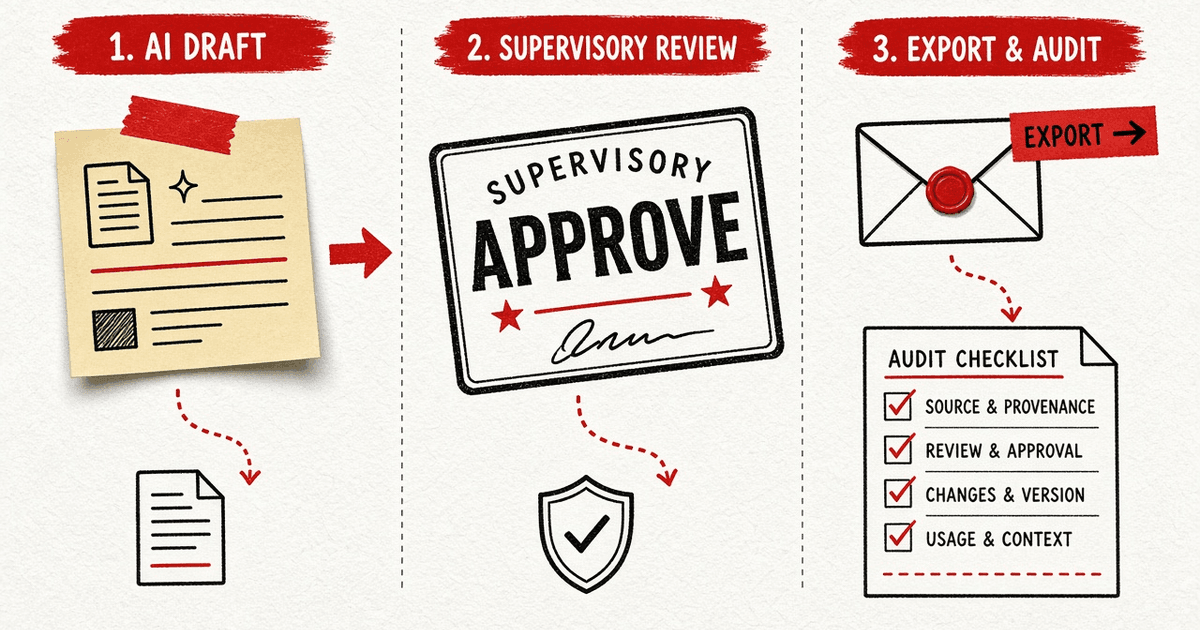
A supervisory queue is the desk path where an AI-assisted market note stays a draft until a human approver releases it for export. The two states to keep apart are draft synthesis (grounded against cited tool output, still editable) and client-ready artifact (PDF/email only after approval, with audit fields filled). When the path works, you can answer who prompted, which sources were attached, which model version ran, and who approved. The look-alike to refuse is auto-sending LLM text to clients, or treating the queue itself as a legal opinion that the note is suitable for a named account.
Sibling jobs: client vocabulary in explaining AI themes without targets, scenario refuse in model scenario bands are not price targets, citations in cited market numbers, private packaging in private on-prem, theme honesty in theme basket is not an ETF, Demo terminal.
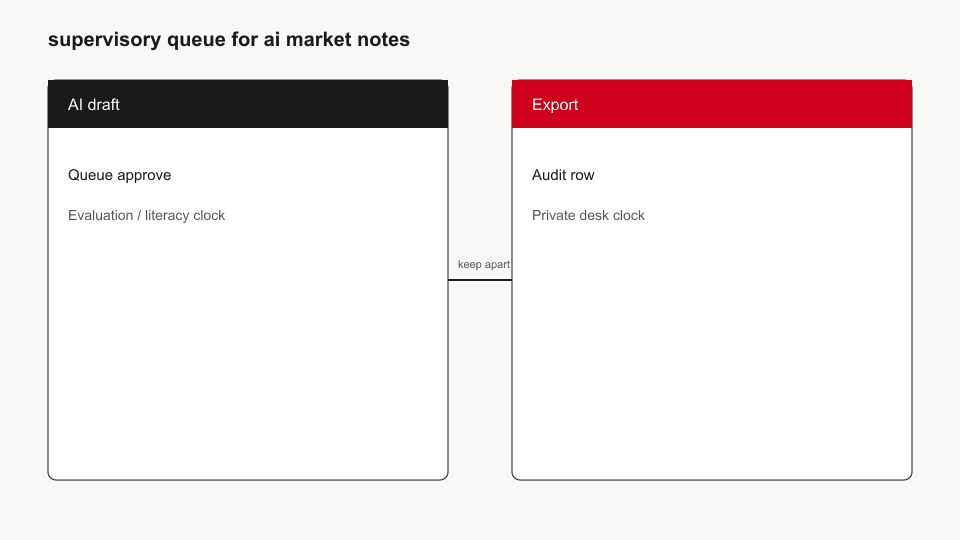
- During draft: retrieve - generate - ground.check - ban-list.
- In queue: supervisor edits or rejects; nothing exports.
- After approve: export carries footnotes and audit id - still not a target letter.
Who this page is for
RIA associates, desk heads, and ops leads who will use AI drafting on a private terminal and need a clear human gate before anything leaves the firm.
Takeaway: Humans own the send key.
Who should skip
Skip if you want unsupervised auto-email. Skip if you need only theme vocabulary - that page. Skip if you need counsel on marketing rules - hire counsel; this is product literacy.
Takeaway: Leave for autopilot or legal opinions.
Out of scope
No suitability determination, no performance advertising checklist, no claim that audit equals regulatory exam readiness for every jurisdiction. Hypothetical performance and Quant Lab charts stay blocked from this export path.
Takeaway: Queue - counsel.
Clock: draft - queue - export
- Analyst opens Brief/Note with entitled citations.
- LLM draft (if configured) passes grounding; banned target language stripped or rejected.
- Item enters supervisory queue with status pending.
- Approver accepts, edits, or returns.
- Only approved artifacts export; audit row append-only.
Trouble starts when step 5 happens after step 1 in Slack with no queue id.
Takeaway: Export clock waits for approve clock.
What the audit row should name
| Field | Why |
|---|---|
| User + timestamp | Who asked |
| Prompt / template id | What was asked |
| Source URLs / as-of | What was retrieved |
| Model version | What wrote |
| Approver + decision | Who released |
Takeaway: If you cannot name these, you are not ready to export.
Look-alike matrix
| Object | What it is | Misread |
|---|---|---|
| Draft note | Internal synthesis | Client-ready advice |
| Queue approve | Human release gate | Legal certification |
| Export PDF | Artifact with footnotes | IPS / recommendation |
| Audit log | Append-only trail | Exam opinion letter |
Takeaway: Approval is operational, not a substitute for firm policy.
Common mistakes
- Pasting raw Brief into client email.
- Approving bands that still read like targets - bands - targets.
- Exporting without source as-of chips.
- Using Demo example notes as if they were the client's book.
Takeaway: Refuse first; format second.
FAQ
Does the queue auto-approve after N minutes?
No. Pending stays pending until a human decision.
Can we export without an LLM configured?
Yes - human-written notes can still use the same queue and citation rules.
Is this enough for every RIA's compliance program?
No. It is a product surface. Your CCO sets the policy.
Where do theme sentences still get refused?
Same script as explaining AI themes without targets.